Unlimited Bandwidth
VPN Account Setup Guide
- in Windows 8
- in Windows 7
- in Windows XP
- in Windows Vista
- in Mac OS X
- in Android
- in iPhone, iPad, iPod Touch
How to setup VPN in iPhone, iPad, iPod Touch
To set up vpn on your iPhone, iPad or iPod Touch you need to follow the next instructions:
- Go to Settings > General > VPN.
- Click Add VPN Configuration.
- Choose PPTP VPN and enter you VPN account data. You will receive your VPN server, username and password in the e-mail. Server address must be exactly as in your account data (without http://, www or any other symbols).
- Save your VPN configuration. Once you have created VPN connection you can switch it ON and OFF on the main settings screen.


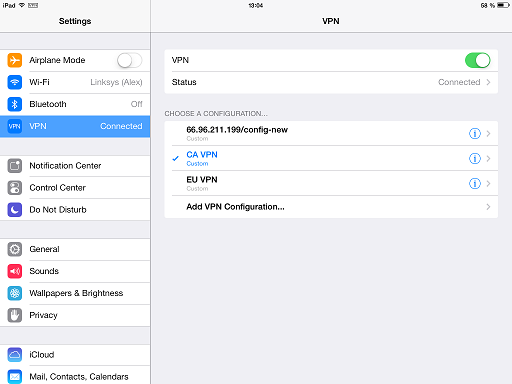 Once you have created vpn connection you can switch it on and off on the main settings screen.